GUIDE ANDROID → LINUX
Android to Linux file transfer that respects your desktop and your permissions
Linux already has good device-connectivity projects, but Android-to-Linux file transfer often ends up as an MTP mount, an adb push, or a cloud upload. AirBridge installs per user, speaks the same encrypted protocol as its macOS and Windows builds, and stays out of root’s way.
The usual ways to get a file from Android to Linux
- MTP mounts (gvfs / jmtpfs) work until a folder has thousands of files or a video is large; indexes time out and the phone re-enumerates.
- adb push is fast for developers and hostile for everyone else — platform-tools, USB debugging, authorisation prompts, cable.
- scp/rsync needs an SSH server on the phone, which most Android builds do not ship.
- Cloud drives route your file through a third party and need an account.
- KDE Connect is excellent inside KDE Plasma, but its macOS client is unofficial and its feature set is desktop-environment specific.
How AirBridge installs and runs on Linux
The same install.sh used for macOS detects Linux, installs the matching static binary into ~/.local/bin, and writes an XDG launcher entry — ~/.local/share/applications/airbridge.desktop — so AirBridge appears in GNOME, KDE and other application menus with Contacts, Calls and Screen Sharing actions. Nothing requires root, and there is no system-wide package to remove later.
- Builds for both worlds: glibc and fully static musl binaries for x64 and arm64, so a headless server or an older distro works too.
- Optional autostart:
--autostartregisters a systemd user service when available (systemctl --user status airbridge), otherwise a plain~/.config/autostartentry. - CLI-first when you want it:
airbridge daemon --dir ~/Inbox --revealfor a headless receiver, orAirBridge --open callsto jump straight to a panel in a running instance. - Relay on an always-on box:
airbridge relay --listen 0.0.0.0:47391, then point a computer at it withairbridge --relay relay.example.com:47391.
Clipboard sync on Wayland and X11
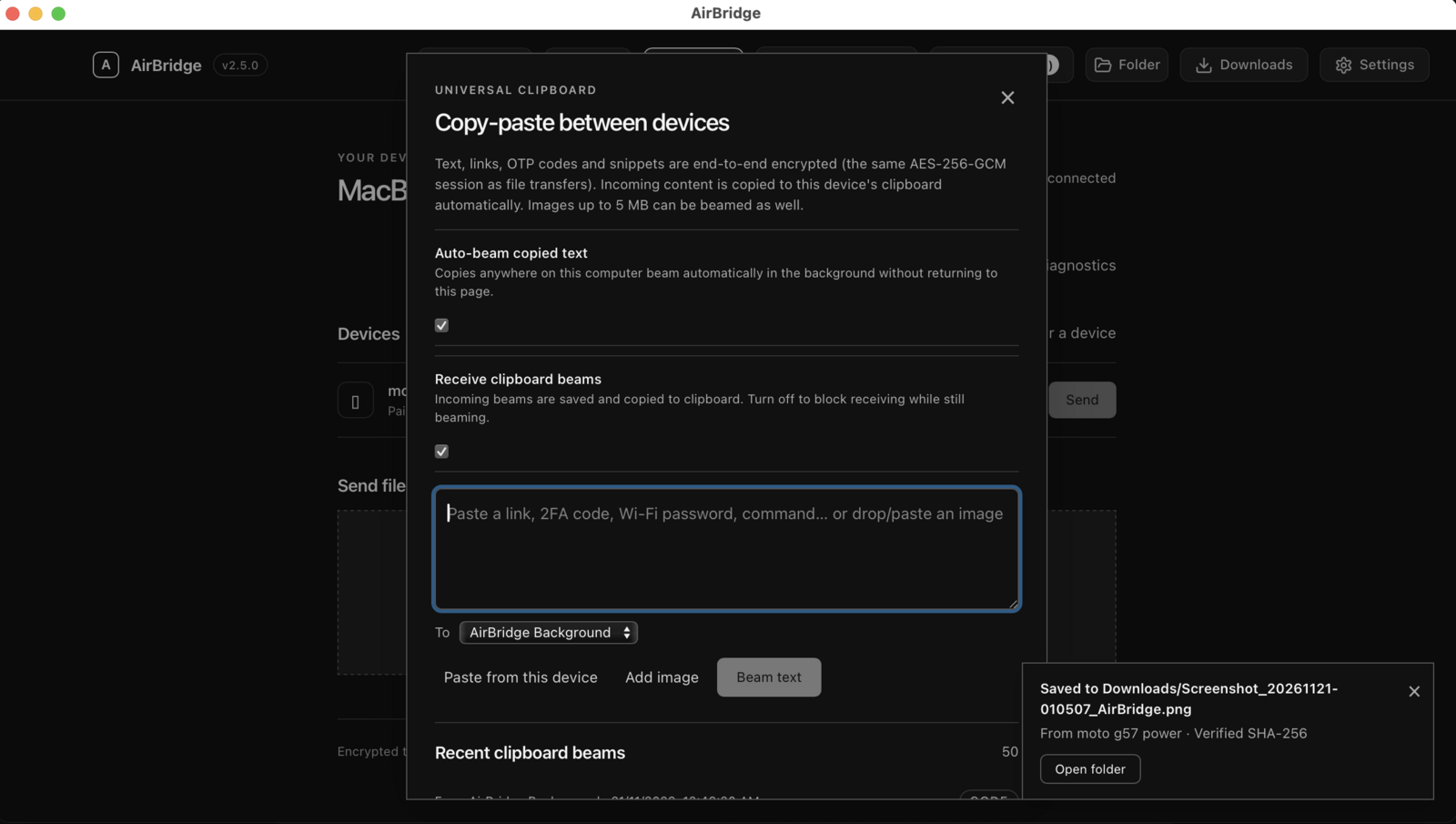
Desktop clipboard bridging uses the tools your session already provides: wl-paste/wl-copy on Wayland, or xclip/xsel on X11. If none of them is installed, AirBridge reports the clipboard bridge as unsupported instead of failing silently — install wl-clipboard (Wayland) or xclip and the text bridge starts working.
Photo clipboard capture is a macOS-only capability because it reads native pasteboard image types. On Linux the clipboard bridge carries text: links, commands, 2FA codes, snippets.
Install in one command
curl -fsSL https://raw.githubusercontent.com/DigantaDey/AirBridge/main/install.sh | bashThen open AirBridge from your application menu (or run AirBridge), and pair the Android app by scanning the QR code. Prefer packages? There is no deb, rpm, AppImage or Flatpak yet — the static binaries in the release are the supported path today, and building from source is documented in the README.
The official builds, the Android APK and SHA256SUMS.txt are published on the GitHub releases page. Every release also carries keyless Sigstore build-provenance attestations you can check with gh attestation verify.
Limits worth knowing
- No distro packaging yet. Installation is a per-user script plus static binaries, not a distro package with repository updates.
- Desktop integration is XDG-based. Menu actions and the launcher entry work on freedesktop-compliant desktops; exotic setups may need to launch the binary directly.
- Text-only desktop clipboard outside macOS, as described above.
- Screen sharing is viewing only, and computer-to-computer sharing uses the browser’s own screen picker.
- No native iOS app. iPhone and iPad can use Safari for file transfer and clipboard sharing, subject to browser permissions; other native integrations are not promised.
Questions about this guide
Do I need root or sudo to install AirBridge on Linux?
No. The installer writes into your home directory (~/.local/bin, ~/Applications where relevant, and your XDG data directory) and writes a per-user launcher entry.
Which distributions are supported?
Releases include glibc and static musl builds for x64 and arm64, which covers mainstream distributions and older systems. Anything that can run a static arm64/x64 binary should work; the musl build is the most portable choice.
Why is the clipboard not syncing on my Linux desktop?
The desktop clipboard bridge needs a clipboard tool for your session: wl-clipboard on Wayland, or xclip/xsel on X11. Install one of those and AirBridge will report the bridge as supported.
Does AirBridge need systemd?
No. systemd is only used for the optional per-user autostart service. Without it, the installer falls back to a ~/.config/autostart entry, and you can always start AirBridge from the launcher or the CLI.