GUIDE AIRDROP FOR ANDROID
An AirDrop alternative for Android — and what it can honestly promise
AirDrop is Apple’s proprietary transfer feature and only works between Apple devices. Android phones need a different mechanism to reach a computer, so this page explains what a real alternative must do, how AirBridge approaches it, and which parts of the Apple experience simply cannot be replicated.
Why AirDrop cannot work with Android
AirDrop combines Apple’s wireless discovery and a proprietary, Apple-controlled handshake. It is tied to Apple hardware and Apple’s own identity and discovery services on both ends, and it is not licensed to third parties. No third-party app can join an AirDrop session, and “AirDrop for Android” products are always their own protocol wearing a familiar name.
Practical consequence: an Android user should look for a transfer tool that is honest about being cross-platform, rather than one that implies Apple interoperability it does not have.
What an Android AirDrop alternative should actually provide
- Discovery and pairing that do not need a cloud account. A QR code or short code beats “log in on both devices”.
- Encryption you can verify. Not just “HTTPS”: a pairing step that proves both devices know the same code, plus a fingerprint you can compare.
- Direct transport when possible. Local Wi-Fi or hotspot first, with a fallback that still keeps content encrypted.
- Large-file handling. Multi-gigabyte videos, straight-to-disk writes, resume after a network blip, and a checksum before the file appears.
- Real platform coverage for the computers you own — macOS, Windows and Linux, not just the phone.
- Extras that remove round trips: clipboard sync, screen viewing, contacts and calls.
How AirBridge covers those requirements
AirBridge pairs an Android app with a desktop companion for macOS, Windows and Linux. Pairing is a QR scan or a six-character code proven with SPAKE2 (RFC 9382); the code is never transmitted, not even hashed. Session keys come from ephemeral ECDH P-256, and every chunk, clipboard item and media frame is sealed with AES-256-GCM. A six-digit SAS code lets you confirm the keys by eye.
Transfers run directly between the two devices over your network. Files stream into a private .part journal, resume inside a running session, and are published only after the SHA-256 digest matches. If a direct path is impossible, a self-hostable relay carries ciphertext, never plaintext, and the session returns to a direct path when one appears.
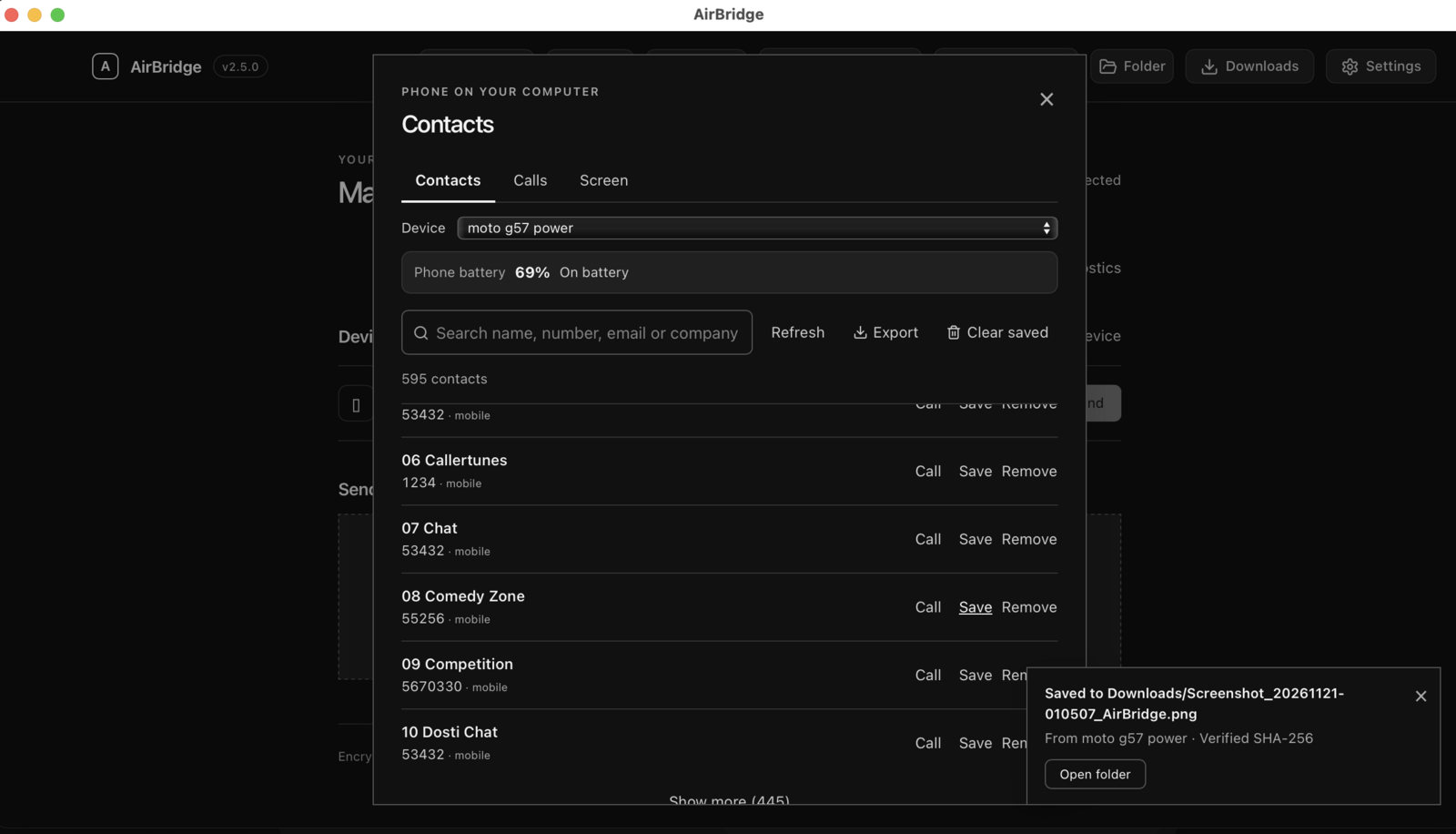
Beyond files, the same session carries bidirectional clipboard text (photos as well on macOS), live H.264 screen viewing that you approve per session, saved contacts, a dialer, and an optional two-way call-audio bridge. All of it is off until you enable the specific feature and grant the matching Android permission.
How it compares with Apple’s built-in experience
| Capability | Apple AirDrop / Continuity | AirBridge |
|---|---|---|
| Devices | Apple devices only | Android ↔ macOS, Windows, Linux |
| Setup | Nothing to install, built into the OS | Install two apps; pair once with a QR code |
| Encryption | Apple-proprietary, opaque | SPAKE2 pairing, ECDH P-256, AES-256-GCM, verifiable SAS |
| Large files | Handled by the OS | Direct-to-disk, resumable in-session, SHA-256 verified |
| iPhone support | Yes | Browser: files and clipboard, subject to permissions |
| Polish | Deep OS integration no third party can match | Native Android app plus desktop companion/CLI |
Read the full honest comparison, including LocalSend, KDE Connect, AirDroid, LinkMyMac and Quick Share.
Install it and try one transfer
macOS and Linux:
curl -fsSL https://raw.githubusercontent.com/DigantaDey/AirBridge/main/install.sh | bashWindows PowerShell:
powershell -ExecutionPolicy Bypass -Command "iwr https://raw.githubusercontent.com/DigantaDey/AirBridge/main/install.ps1 -UseBasicParsing | iex"Then install the Android APK (installable testing/sideload build; the Play upload path is documented in docs/PLAY_STORE_RELEASE.md), scan the QR code on the computer, and confirm the six-digit code on both screens.
The official builds, the Android APK and SHA256SUMS.txt are published on the GitHub releases page. Every release also carries keyless Sigstore build-provenance attestations you can check with gh attestation verify.
What AirBridge is not
- Not Apple AirDrop. It does not implement AirDrop, AWDL or any Apple protocol. iPhone and iPad can exchange files through the AirBridge browser UI, not through Apple AirDrop.
- Not affiliated with Apple or Google. AirDrop, Continuity and iPhone Mirroring are Apple trademarks; Android, Quick Share and Google Play are Google trademarks. AirBridge is an independent project by Diganta Dey.
- Not a cloud service. There is no AirBridge account and no server that stores your files. The optional relay forwards ciphertext and is self-hostable.
- Not commercially licensed. The source is public and free for personal use under the AirBridge Fair-Use & Non-Commercial License; commercial use needs written consent. Read LICENSE before you ship it anywhere.
Questions about this guide
Does AirBridge use Apple AirDrop under the hood?
No. AirBridge implements its own encrypted protocol over WebSockets and WebRTC data channels. It does not use AirDrop, AWDL or any Apple-licensed technology, and it does not claim Apple interoperability.
Can I send a file from Android to an iPhone with AirBridge?
Yes, using the AirBridge browser UI on the iPhone with a running AirBridge computer instance. Safari supports file transfer and clipboard sharing subject to browser permissions, not the native Android integrations. The local HTTPS certificate may show a trust warning because its CA is not trusted by default; verify that the address belongs to your own instance before continuing.
Do I need Bluetooth to pair?
No. Pairing uses a QR code or a six-character code and an encrypted network session. Bluetooth LE is used only for one optional convenience: handing phone-hotspot credentials to a Mac when there is no network connection yet.
Is AirBridge free to use?
It is free for personal, non-commercial use under the Fair-Use & Non-Commercial License, and the official GitHub releases are free of charge. The Android app is planned for Google Play as a paid distribution, and a future Mac App Store edition may also be paid; those store copies are optional. Commercial or organisational use requires prior written consent, as described in LICENSE.